
Emby Media Server on a Seedbox: Full Setup, What's Free, and Emby vs Jellyfin
Emby sits between Plex and Jellyfin: polished apps, free TV playback, and a paid tier you mostly don't need on a seedbox. Four steps from zero to a movie on your TV, away from home.
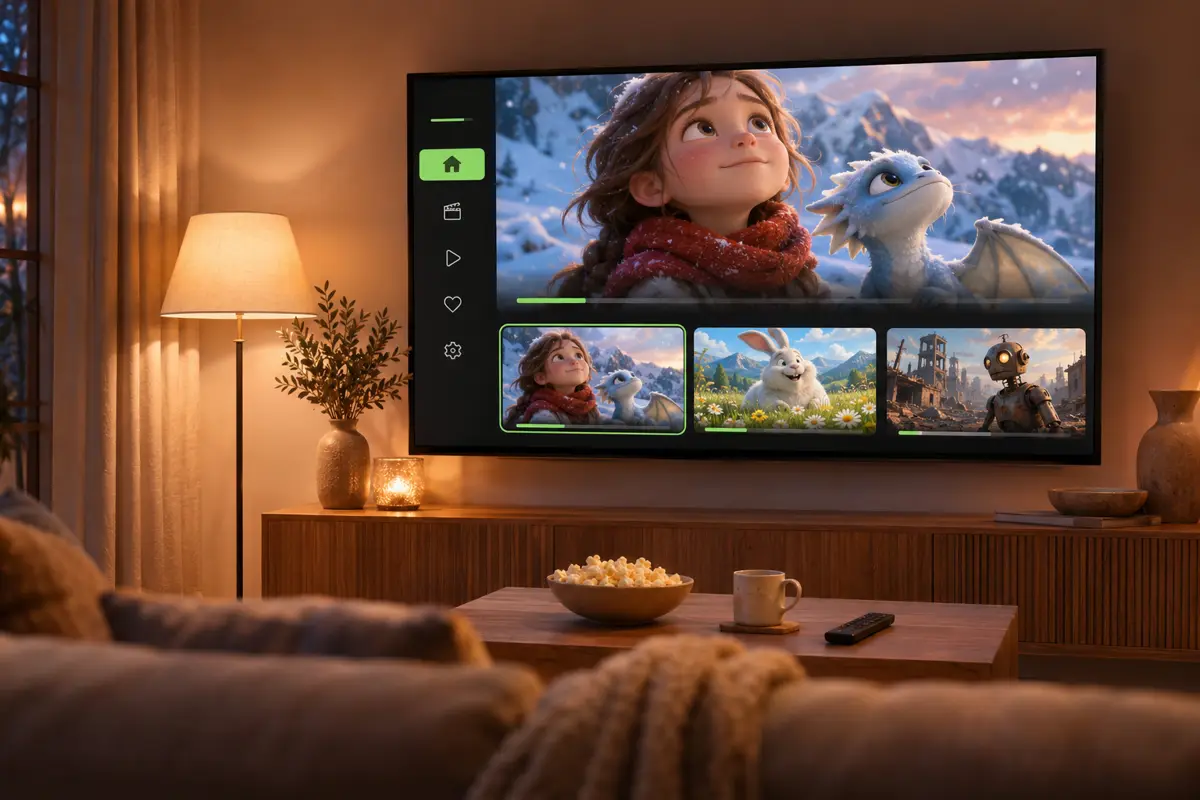
Plex now charges for remote streaming, and Jellyfin's apps can feel rough. **Emby** sits right in the middle: polished apps, free playback on your TV and in your browser, and a paid tier called Premiere. On a seedbox, the server runs in the cloud, so your PC can stay off and remote access already works. Here is the full setup, all the way to a movie playing on a TV and a phone away from home, then what is free, what is not, and how Emby compares with Jellyfin and Plex.
What Emby is (and how it relates to Jellyfin)
Emby turns a folder of movie and TV files into your own streaming service: posters, summaries, resume where you left off, on your TV, your browser and your phone. It is the middle option between two names you probably know: Plex, the most polished and the most monetized, and Jellyfin, free and open source. Jellyfin actually started as a free copy of Emby's code in 2018, when Emby closed parts of its source. Same roots, different deal: Emby is free to start, with a paid tier called Premiere.
Why run Emby on a seedbox
A seedbox is a small server you rent in a datacenter, for about $10 a month. Running Emby there instead of on a home PC changes three things:
- Your computer can stay off: the server runs around the clock in the cloud.
- Remote access already works: the seedbox is reachable from anywhere, with no router or port settings to touch.
- Downloads land next to the server: files you fetch on the seedbox appear in Emby within seconds, with nothing to upload.
Install Emby on a seedbox in four steps
The video above follows these steps on a DediSeedbox Starter plan (750 GB, about $10 a month, Emby in one click). Other providers with a one-click app store work the same way.
- 1. Pick a seedbox. The entry plan is enough for a personal library. Check that Emby is in its one-click apps.
- 2. Install Emby. In your client area, open the seedbox, then Add Apps. Emby is under Streaming: click Install, and about a minute later it is running.
- 3. Run the setup wizard. Open Emby, pick your language, then create your admin user. That account lives on your server, not with a company. Then add a library: content type Movies, folder /data/Movies (the seedbox's downloads folder, seen from Emby).
- 4. Add a movie. Your own rips work. In the video, a free, open film from the Blender Foundation: drag its torrent into qBittorrent, save it to downloads/Movies, and it shows up in Emby with its poster and summary.
Watch on your TV and phone, away from home
This is the part most tutorials skip. Press play in Emby's web app: that is your seedbox streaming to your browser. Away from home, open the Emby app on your phone, sign in to your server, and the same movie resumes where you left it. On the TV, the official Emby apps for Android TV, Fire TV, Roku, Apple TV, Samsung and LG play your library for free.
One setting makes the difference on a seedbox: set playback quality to the original (Emby web settings, then Playback, then remote streaming quality at the maximum). The seedbox then sends the file as it is, instead of re-encoding it on the fly, and modern TVs and phones play it smoothly.
What's free, and what needs Premiere
Emby's pricing is the question every comparison asks. Prices checked on emby.media in November 2026:
- Free: full playback in the browser, and in the TV apps for Roku, Apple TV, LG, Samsung, Android TV and Fire TV (up to five TV devices). Remote connection is free too.
- Phone apps: limited playback until you buy a one-time App Unlock in the app, or subscribe to Premiere.
- Emby Premiere: $4.99 a month, $54 a year or $119 for life. It adds hardware transcoding, offline downloads, live TV and DVR, sync, and CarPlay / Android Auto.
- The trap on a seedbox: Premiere is largely sold on hardware transcoding, which needs a graphics chip. A shared seedbox has none, so you would pay for a feature you cannot use. Keep quality on original instead.
Emby vs Jellyfin vs Plex on a seedbox
All three run on the same seedbox and can read the same folder, so you can try them side by side. To watch on your TV and phone away from home:
- Jellyfin: $0 everywhere. Free and open source, no account with a company, apps a little rougher. Our Jellyfin setup covers it.
- Emby: $0 on the TV and in the browser, a one-time unlock (or Premiere) on the phone. Polished apps, especially on TVs.
- Plex: the Remote Watch Pass at $2.99 a month for remote streaming, or a Plex Pass. The most polished, the most monetized. See our Plex setup and Plex vs Jellyfin.
- Our take: if your family watches on the TV, Emby gives you polished apps without a monthly bill. If you want zero cost everywhere, pick Jellyfin.
Frequently asked questions
Is Emby the same as Jellyfin?+
Which is better, Plex, Emby or Jellyfin?+
Is Emby Premiere worth it on a seedbox?+
Why are people leaving Plex for Jellyfin or Emby?+

Ready to pick your seedbox?
Compare live prices, storage and upload allowances across every provider we track — then grab the current deal.